Blog
First look at Document Intelligence Studio

Geschreven door
Don van Meel - Managing Director
Azure AI Document Intelligence (formerly known as Form Recognizer) is an online tool that automates document processing using advanced AI and machine learning. It extracts and analyzes data from various documents, offering OCR, and key-value pair extraction.
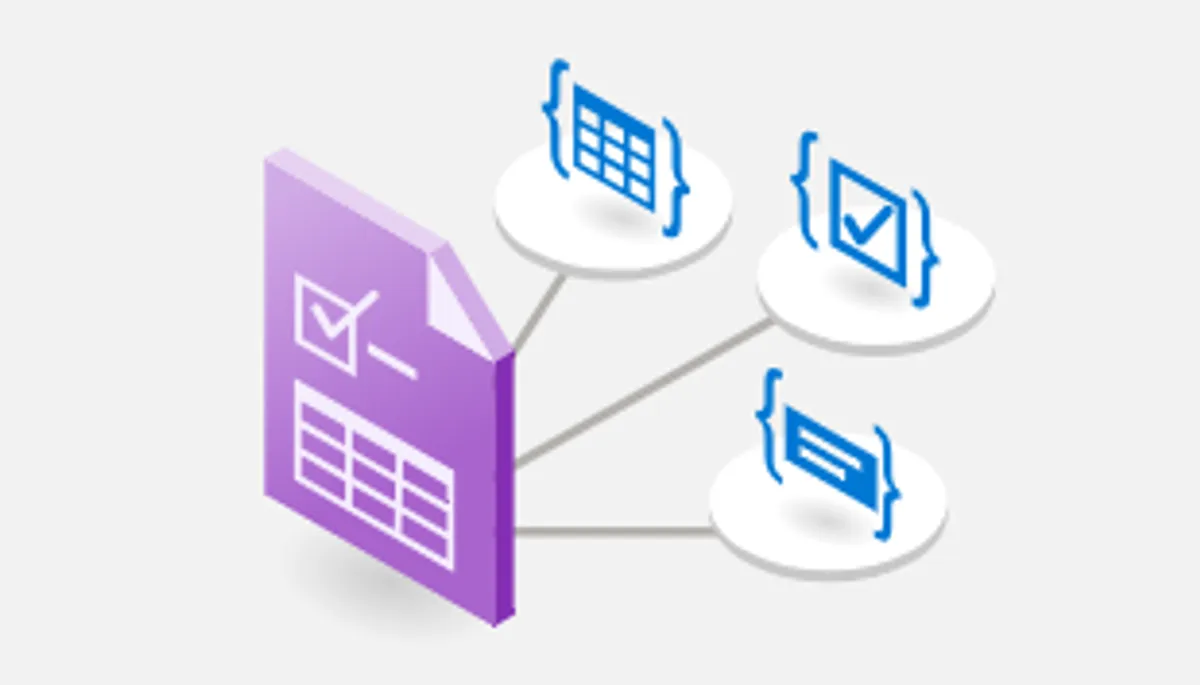

Document Intelligence Studio is a user-friendly interface for you to experiment with pre-trained Document Intelligence models or to create your own custom models.
Link: Document Intelligence Studio
Blogs
This blog is the first in a series of blogs about the capabilities of the Azure Document Intelligence resource.
- First look at Document Intelligence Studio
- Training a custom extraction model with Document Intelligence Studio
- Training a custom classification model with Document Intelligence Studio
- Training a custom classification model with Word or Excel Documents
Requirements
To use the Document Intelligence Studio, you need to create a ‘Document Intelligence’ resource or an ‘Azure AI services multi-service account’. The latter allows you to use multiple kinds of AI Services using one endpoint including the ‘Document Intelligence’ service.
Document Intelligence Studio
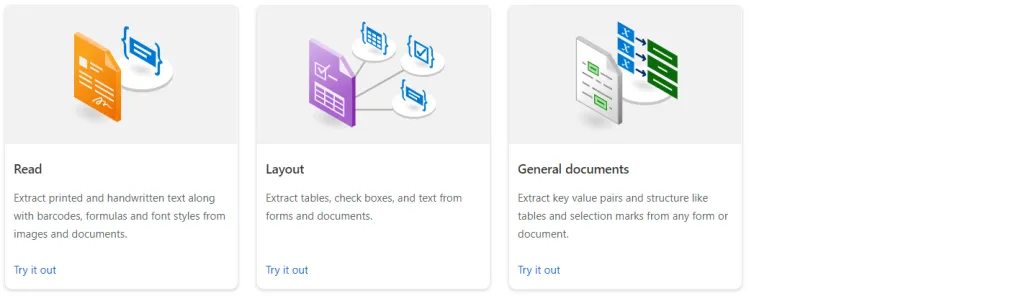
When you open the portal and scroll down the screen you will see 3 different types of models.
Document analysis
These are the base models upon which other models are built.
- Read: Extracts text content from documents, including both printed and handwritten text.
- Layout: Extracts text, tables, checkboxes, and figures from documents preserving the layout of the document.
- General Document: This model is deprecated from version (2023-10-31-preview).
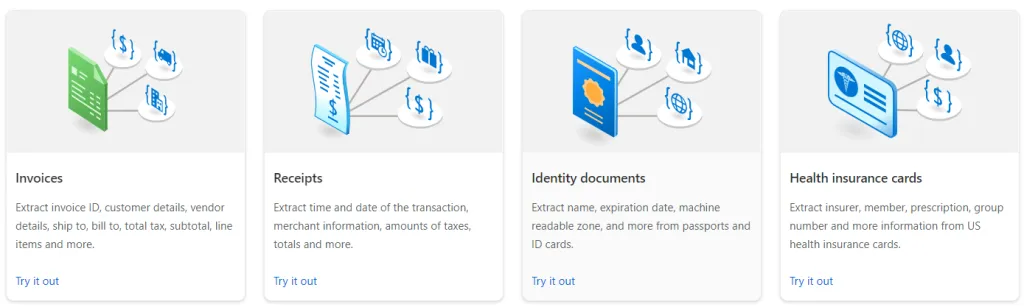
Prebuilt models
The prebuilt models are pre-trained models like invoices, receipts, or id documents available to use without the need to train your own.
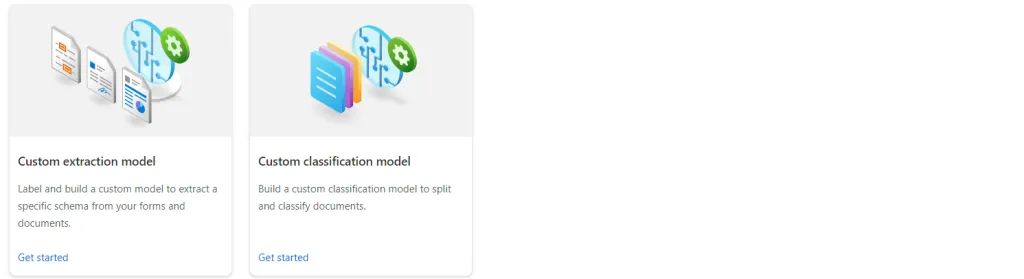
Custom models
Here you can create your own custom models. There are 2 different types of custom models available.
- Custom extraction model: This model extends the Layout model and allows you to train a model that extracts text, tables, checkboxes, and figures from documents. You need a minimum of 5 example documents to train this custom model.
- Custom classification model: This model allows you to train a model to classify documents. You need a minimum of 5 example documents per category to train this custom model.
Try it out
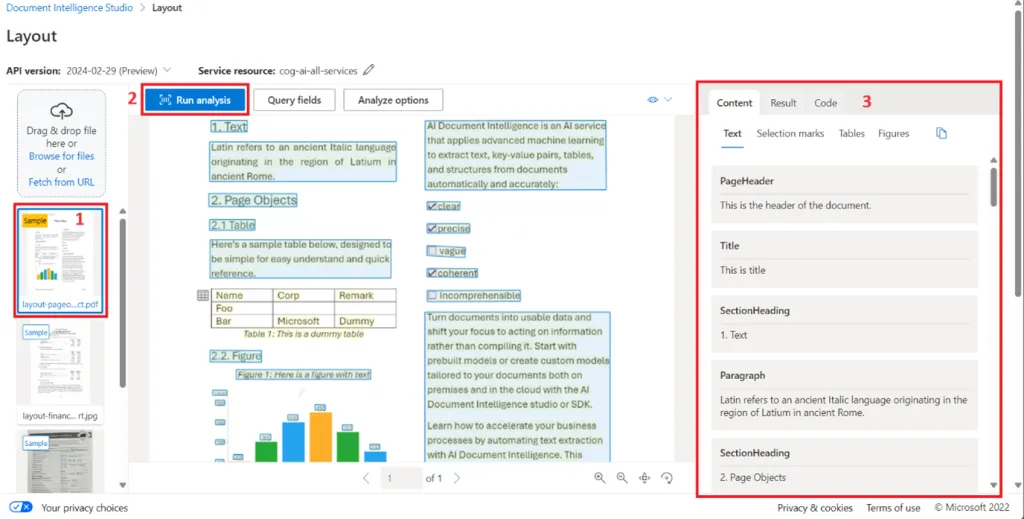
You can try out the prebuild and base models directly from the portal. Click the try it out link on the model you are interested in to open the analysis page. Here you can analyze files and see the results.
- Select one of the provided examples or upload your own file.
- Click Run analysis button
- Review the results
The results are split in 3 tabs. Content contains a textual representation of the extracted values. Result will show the json value of the analysis and Code will give you examples of how to call the model using Python, C# and JavaScript.
Bouw verder op een fundament dat klopt
Je wilt vooruit met data en AI. Maar wel vanuit een omgeving waarop je kunt vertrouwen. Wij helpen je grip te houden, juist wanneer keuzes complex worden. Laten we samen kijken welke stap jouw organisatie nu verder helpt.


Ook interessant
Gebruik de pijltjestoetsen om door de carousel te navigeren. Gebruik Home en End om naar het begin of einde te gaan.